Showing posts with label Mobile Repairing. Show all posts

10 Nov 2014

         Micromax A65 Enter Password To Unlock Solution

1. Mobile off

2. Fastboot Mode ( Volume Down + Power Button In Hold 10-20 Sec )

3. Android Multitool V1.02 Open

4. Now Plug Usb Cable to phone

5. Driver Installed

6. Press "8" From PC keyboard

7. Press Enter Button

8. Mobile Restart Lock the Open

9. Thats All

4 May 2014

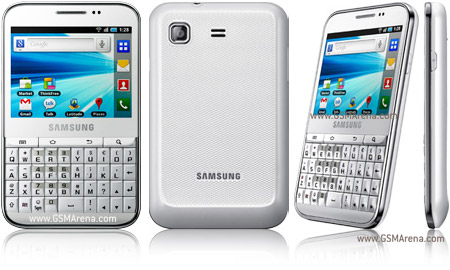
Samsung B7510 Hard Reset

Samsung B7510 Hard Reset
  1. Press and hold the “Power/Lock key” and “T” key of the QWERTY keyboard at the same time until the “Android system recovery” menu shows up.
  1.   
  1. Use the “Volume key” to scroll down and select “wipe data/factory reset”
  1.   
  1. Press the “Home key” to proceed to the next confirmation step.
  1.   
  1. Use the “Volume key” again to scroll down and select “Yes — delete all user data”
  1.   
  1. Press the “Home key” to perform hard reset. All user data will be removed and the device will be restored to manufacture default.
  1.   
  1. Press the “Home key” to reboot system.
your device is restored to factory setting