


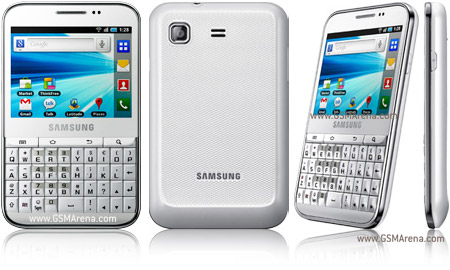
Samsung B7510 Hard Reset
- Press and hold the “Power/Lock key” and “T” key of the QWERTY keyboard at the same time until the “Android system recovery” menu shows up.

- Use the “Volume key” to scroll down and select “wipe data/factory reset”

- Press the “Home key” to proceed to the next confirmation step.

- Use the “Volume key” again to scroll down and select “Yes — delete all user data”
- Press the “Home key” to perform hard reset. All user data will be removed and the device will be restored to manufacture default.
- Press the “Home key” to reboot system.


No comments:
Post a Comment